
General
Mak Online Application Portal User Guide

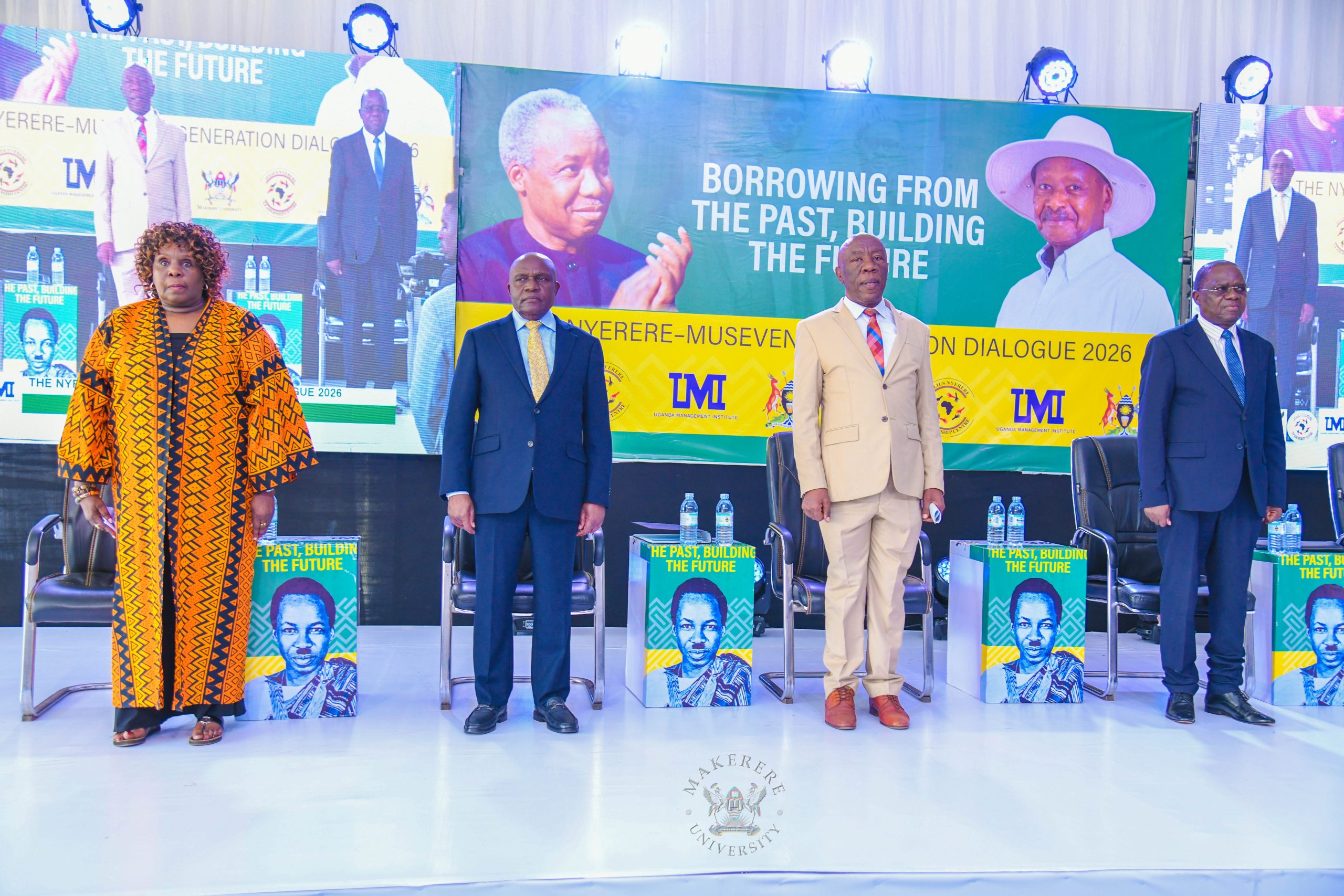
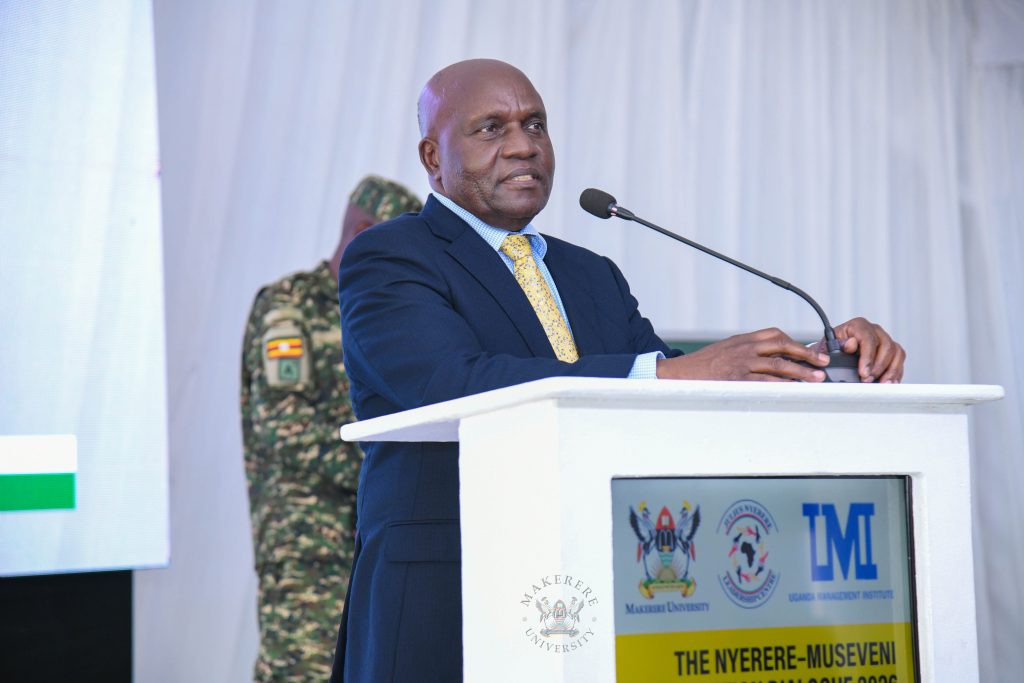
President Yoweri K. Museveni while officiating as Chief Guest at the Julius Nyerere Annual Symposium 2026: Nyerere-Museveni Dialogue at Makerere University called upon the audience not to merely hold Nyerere’s Legacy as a historical footprint but as a masterplan for the future that remains unfinished. Organised by the Julius Nyerere Leadership Centre (JNLC), the symposium was a two day event that started with “ekyooto” on 13th October at the JNLC gardens and climaxed on 14th October in Freedom Square. The second day hinged on the theme: Borrowing from the Past, Building the Future.
In the President’s message delivered by Rt. Hon. Dr. Crispus Walter Kiyonga the Second Deputy Prime Minister and Chancellor of Makerere University, the president spotlighted, “Mwalimu Nyerere as the greatest African that ever lived in terms of contribution to the African people’s efforts for freedom, human rights, and dignity.”
This greatness, he notes, spilled not just to political ideals but also to economics and security. The President agreed with him and warned that “freedom without economic transformation and economic prosperity, without a robust strategic security, remains incomplete.”
Reaching out to the younger generation of scholars and leaders, the President issued a strong warning to move beyond simply remembering Nyerere to action. He said, “you must carry forward the torch of pan-Africanism, reject sectarianism and tribalism, build our regional markets, and champion the total political integration of our motherland.”
He appreciated Mwalimu for his; unwavering support for the struggle of the East African Federation, courageous backing of the armed anti-colonial struggles in the southern half of Africa, principled and decisive support for the anti-Idi Amin struggle, pro-people and pro-unity policies that kept Tanzania peaceful for decades, and ensuring that Tanzania remained a strategic rear base for the entire African resistance.
As a believer in Nyerere’s ideals, the President urged the audience to honor Mwalimu “not merely through commemorative speeches, but through completing the historical task of uniting, defending, and prospering our motherland,” for the motive is to ensure that the independence wars won by our predecessors were not in vain.
To this note, he reiterated the case for Uganda, saying “we shall never forget his profound contribution” to Africa.
Professor Nyamsenda’s Keynote Unparked Pan-Africanism
During the Nyerere-Museveni Dialogue symposium at Makerere University, Professor Sabatho Nyamsenda, a lecturer at the University of Dar es Salaam delivered the Keynote Address titled “The Unfinished African Project: From Liberation Legacies to a New Generation of Transformation” during the symposium”.
He started on a lighter noticing “Nyerere is being Ugandanised.” This he said looking at the annual Public Lectures dedicated to his name and felt like challenging his home institutions to follow suit.
At the calm of the room, he presented a critique of the current state of Pan-Africanism, arguing that it has been grabbed by the ruling elites, a challenge Professor Nyamsenda identifies to have started in the period of 1960 -1980.
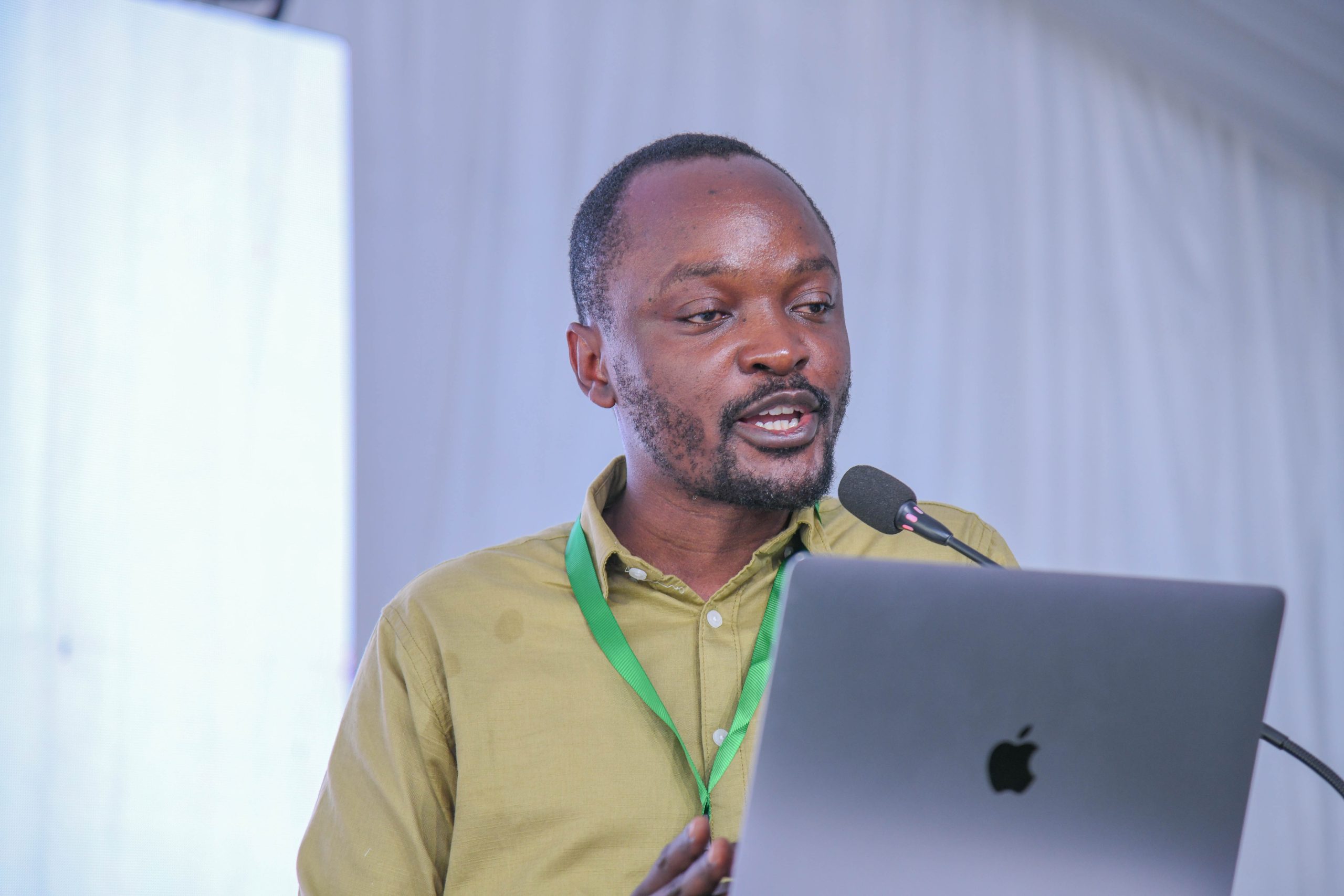
He explained that it was around this time period that Pan-Africanism was snatched away from the masses and it became a state project. Currently, he said the ideology exists in two forms: Boardroom and Street Pan-Africanism.
Professor, characterised Boardroom Pan-Africanism as a State Project. He said “boardroom Pan-Africanism sits comfortably with imperialism and elite-centered accumulation.” While Street Pan-Africanism to which Professor advocates, he emphasised that historically, this approach “united the African liberation movement and liberated the African continent from the most barbaric colonial powers.”
As he concluded, Professor Nyamsenda joined Mwalimu and the President of Uganda in urging youth to consider joining and leading the struggle for a better Africa.
Role of JNLC in Realising Nyerere’s Ideas
Professor Saturninus Kasozi Mulindwa, the JNLC Board Chair highlighted the primary objective of the center as “imparting knowledge and sharing experiences from the old generations to the new generations.” Therefore, JNLC contributes to the actualisation of Nyerere’s ideas by focusing on the development of the next generation of African leaders.
To supplement this, Dr. Nansozi K. Mwanga the Executive Director at JNLC said that the center is committed to “nurturing ethical, conscious, and transformative leaders inspired by Mwalimu’s ideas of service, human dignity, self-reliance, and Pan-African solidarity.”
She explained their focus is on several key areas with training as core. They have “trained over 1,500 young people and young leaders from across Uganda.”, and developed leadership programs “grounded in ethical decision-making, civic responsibility, public service, and action.”
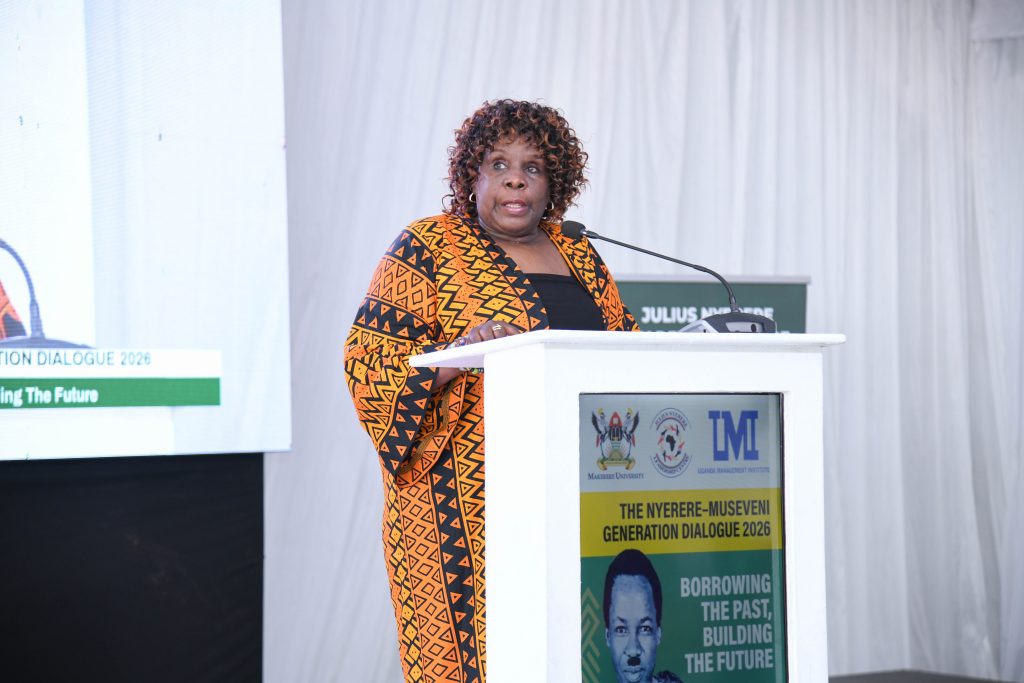
In her remarks, it was observed that training alone is not enough; they are also doing mentorship, to provide opportunities for networking and learning from experienced leaders. There are already testimonies when you visit the Centre wall of fame. To which Dr. Nansozi revealed “leadership development matters when learning becomes service and meaningful action.”
The Centre remains proud of those they have touched and are eager to support as many cohorts.
Julius Nyerere Family Pour their Heart out
Mama Maria Nyerere, addressed the Symposium virtually and commended the Centre for keeping Mwalimu’s values alive.
As a memory of her husband, she reminded the audience that his greatest legacy was anchored on the values by which he lived: service, humility, integrity, unity and love for Africa and its people. She also urged the young people to take up leadership responsibilities and lead with humility, integrity and always remember the people they serve.
Mama Nyerere also advised the youth to learn from those who came before them like her husband with courage to build a better Africa for their generation and those who will come after them.
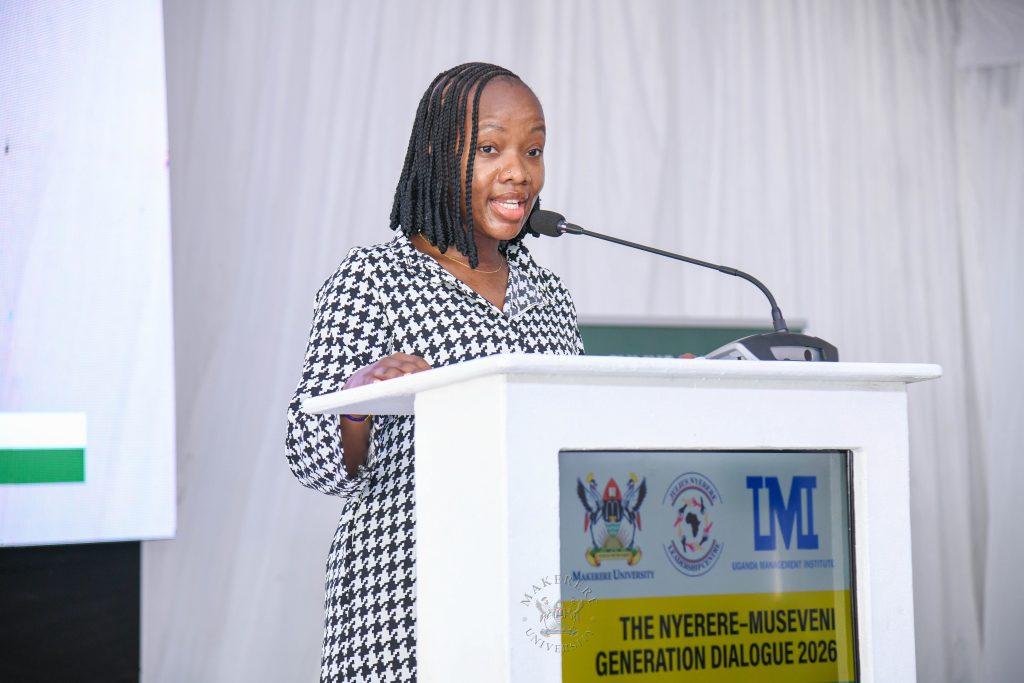
Joining Mama Nyerere, on behalf of the Nyerere family was Ms. Julia Nyerere, a granddaughter, who attended physically and thanked H.E. Kaguta Museveni for supporting the establishment of the Julius Nyerere Centre at Makerere University and also commended the Keynote Speaker Professor Nyamsenda for Critiquing Nyerere’s ideas.
Julia further shared an understanding of her grand-father’s interest in preserving humanity as a moral.
As a family they are happy that his (Nyerere) values and legacies continue to inspire Africa and beyond.
Appreciation for All who Made the Symposium Possible
Addressing the symposium, the Vice Chancellor of Makerere University, represented by Professor Henry Alinaitwe the Deputy Vice Chancellor in Charge of Finance and Administration expressed the University’s appreciation and commitment.
He thanked “the government of Uganda for the support they are giving to the Julius Nyerere Leadership Center,” and requested Dr. Kiyonga to “convey the message to the fountain of honour for this initiative that Makerere University is happy for, and is going on well.”
To the leadership of the Center, he specifically thanked the Director Dr. Nansozi for her focused leadership. He stated, “I commend my friend, Dr. Nansozi, for the work that you are doing.”
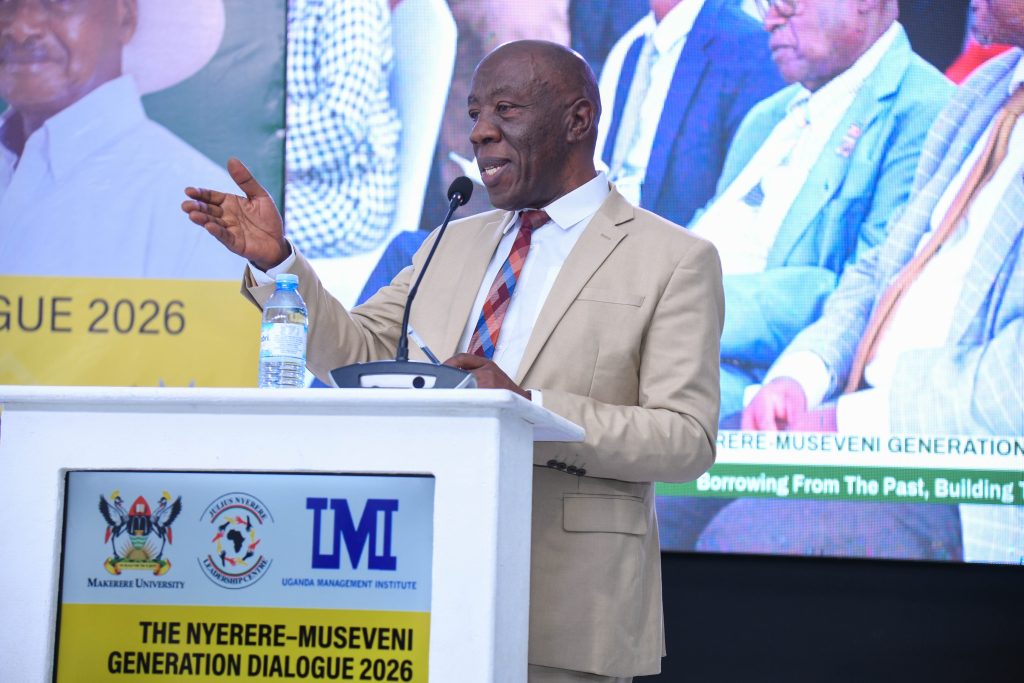
Professor Alinaitwe also emphasized “we” value these symposiums, saying, “as a university, we acknowledge that such activities create great visibility.”
Dr. Kiyonga was also thanked for delivering the President’s message, together with veterans like Professor Kabwegyere, among other distinguished guests and partners that attended.
Professor Tarsis Bazana Kabwegyere as well appreciated all and emphasised the collective duty of the youth in building the next generation.
He advised “your responsibility is to identify and build Africa forward, building on the legacies and foundations of our forefathers,”.
The Professor also argued that “being young on its own is not a virtue. It is what you are when you are young.” He challenges the audience to avoid being ignorant and claim that you are young.
Background of the Nyerere Symposium
The Julius Nyerere Annual Symposium is an intergenerational gathering hosted at Makerere University. For more than six years now, it has been connecting past leadership legacies of Nyerere and other revolutionaries with current regional and continental priorities under the (JNLC) centre.
The Julius Nyerere Leadership Centre (JNLC) serves as a training ground and research hub designed to mentor the next generation of African leaders. Co-hosted by Makerere University and the Uganda Management Institute (UMI), the Centre bridges the gap between older statesmen and youth by focusing on Pan-African ideals, ethical governance, and social transformation.

General
Makerere University and Xiangtan University Advance Strategic Partnership in Chemical Engineering

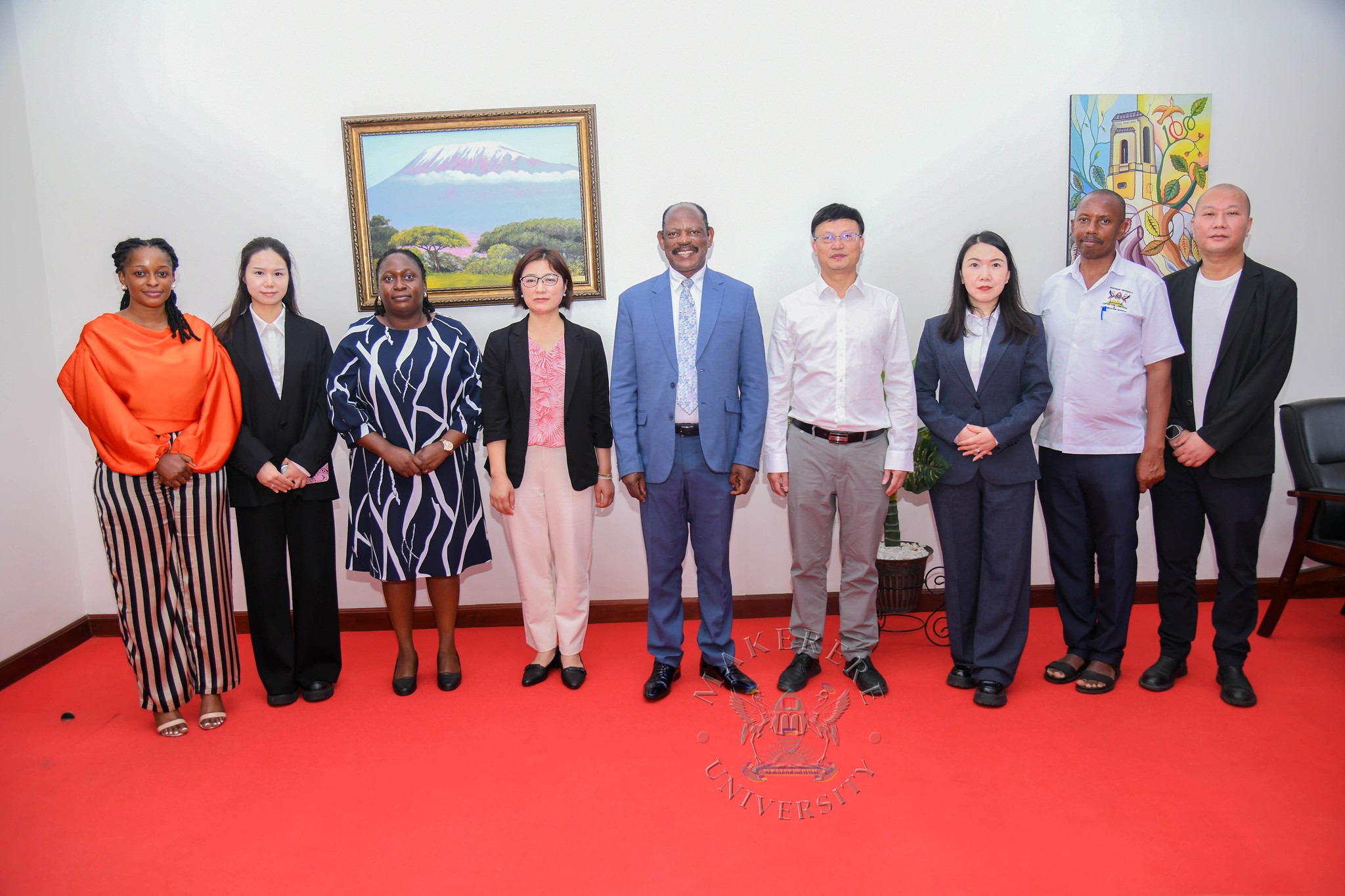
Makerere University and Xiangtan University are set to update their close to 20-year academic partnership, with a new focus on launching a joint Master’s degree program in Chemical Engineering and expanding student and staff exchange initiatives.
The commitment was reaffirmed during a recent visit by a delegation from Xiangtan University to Makerere University headed by Professor Dingyu Ou, in the company of Mr. Tang Fei and Professor Gilbert Gumshabe, the Chinese and Ugandan Directors of the Confucius Institute at Makerere University respectively.
While addressing the delegation, Professor Nawangwe highlighted that this initiative is part of a broader strategy to diversify academic offerings and contribute to national development through training in Chemical Engineering. Through this new initiative, the University will better prepare graduates for the petrochemical industry and support the country’s industrial growth.
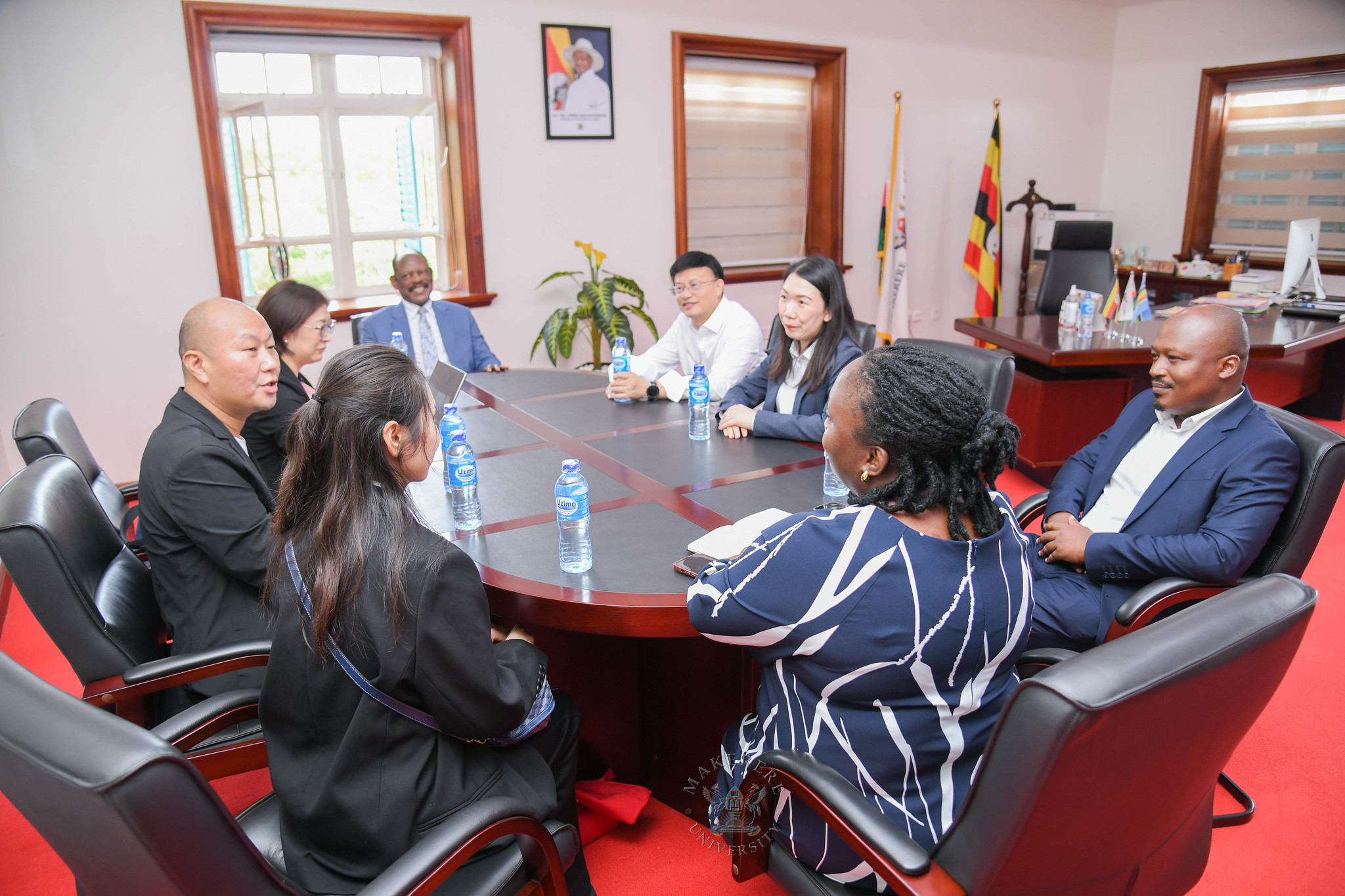
The Vice Chancellor appreciated that the proposed collaboration aims to address Uganda’s growing need for industrial expertise, particularly as the country develops its petroleum sector. The two universities here are working toward a 1+2 training model, which will enable Makerere students to gain practical experience and access advanced laboratory facilities at Xiangtan University.
Professor Nawangwe further reiterated that “our relationship with the people of China, not just for Makerere but also for a big part of Uganda, has been opened wider by the establishment of the Confucius Institute, considering that many other collaborations like one being discussed now have come through this collaboration.”
The head of the Xiangtan delegation, Professor Dingyu Ou, expressed appreciation for the meeting, and acknowledged the history between the institutions. “As mentioned, we have a very long relationship and a very stable friendship between our two universities.”
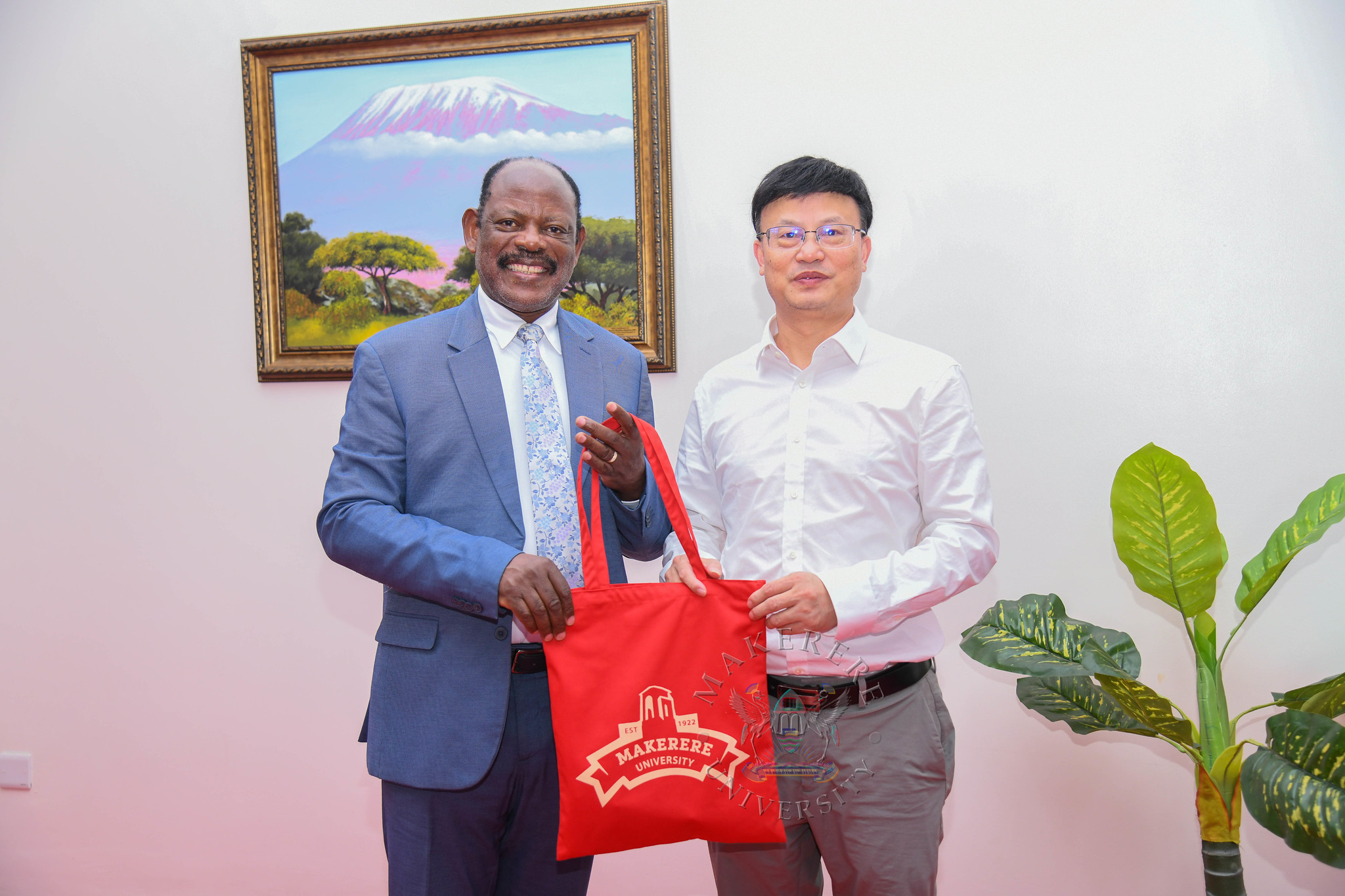
Professor Ou extended appreciation for the support provided to the Confucius Institute at Makerere, the care shown to his colleagues, and looked forward to the successful start of the Chemical Engineering collaboration.
Assuring the delegation of Makerere’s readiness for the collaboration, Ms. Hawa Ndagire Kajumba the Lead, Partnerships and Stakeholder Engagement, Makerere University Advancement Office, aligned with the Vice Chancellor’s emphasis of University goal to have both theory and practice imparted to the students.
She said “the curriculum of the university and Uganda as a whole is moving towards competence-based education training to ensure students are equipped to demonstrate those skills in the actual field, particularly regarding petroleum exploration.”
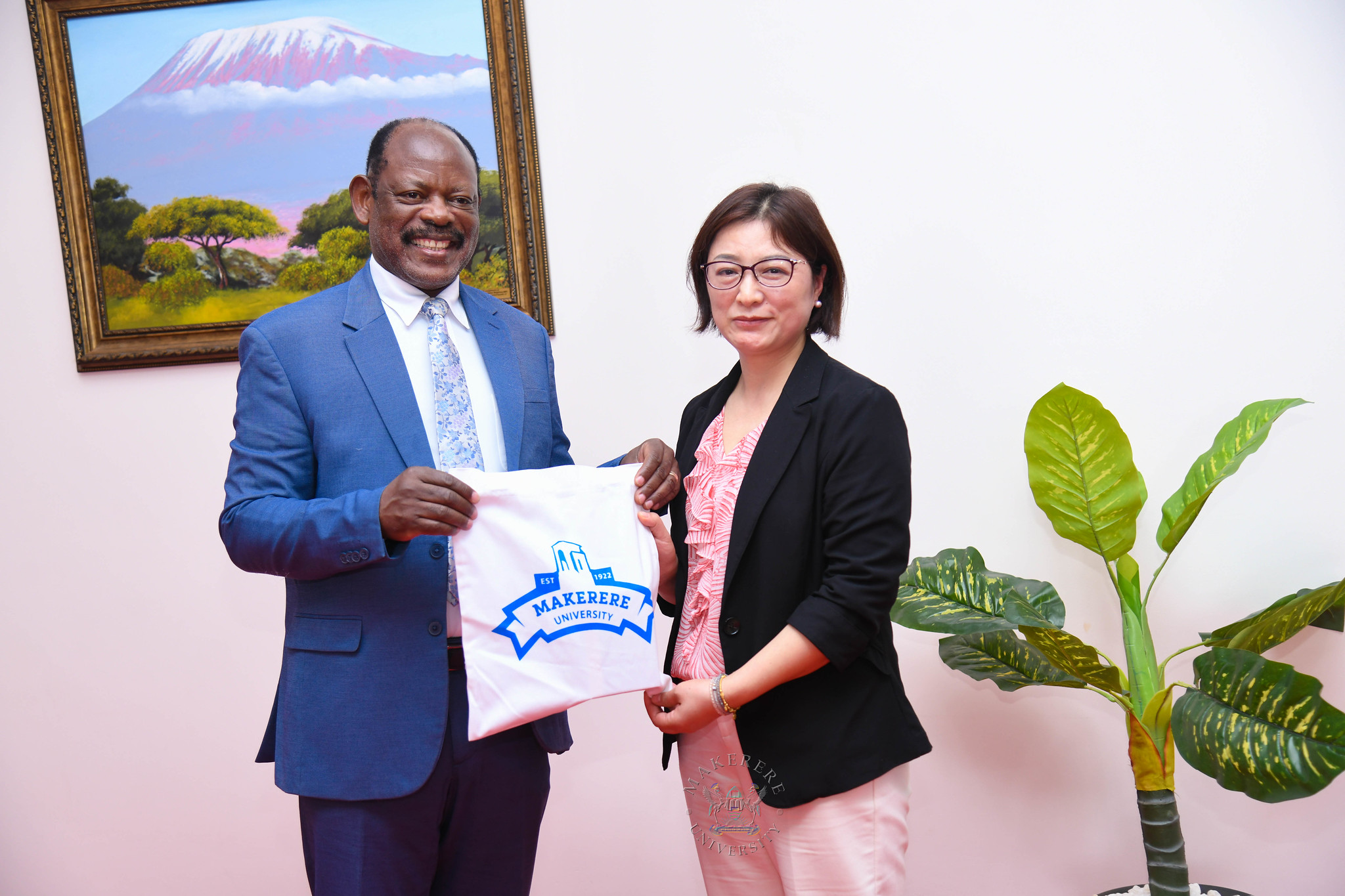
Ms. Ndagire Kajumba also emphasised a shift in strategy for the partnership office, saying, “we are moving away from just signing MOUs that collect dust, and moving towards those that are more collaborative to benefit our faculty and students, just like this one.”
Professor Gilbert Kumushabe aligned his remarks with those of the Vice Chancellor and Ms. Ndagire Kajumba, and described the method used at Xiangtan University as “actually competence-based teaching.”
Based on his recent visit, Prof. Gumoshabe shared that students in China are divided into groups with dedicated teachers to perform practical, hands-on work beyond the theoretical lecturers. He expressed gladness that the same was being adopted for the Ugandan context.
Both institutions are now working to finalise the specific agreements for the joint degree and exchange programs. Beyond academic training, the collaboration will advance cultural and professional exchange.
-
 Health2 weeks ago
Uganda’s HIV Treatment Gains Bring the Youth Gap into Focus
-

 General2 weeks ago
Timothy Khabusi: From Barefoot Walks to shaping Uganda’s Eye health Future
-
 Agriculture & Environment2 weeks ago
Makerere University Welcomes 50 Youth Skilling Program trainees under the Africa Climate Collaborative, Supported by Mastercard Foundation
-
 Humanities & Social Sciences6 days ago
French Embassy Presents Four Makerere Scholars with Academic Palms
-
 Research2 weeks ago
Call For Applications: KU Postdoctoral Fellowship Programme