
General
Guidelines for Online Research Proposal and Thesis Defence

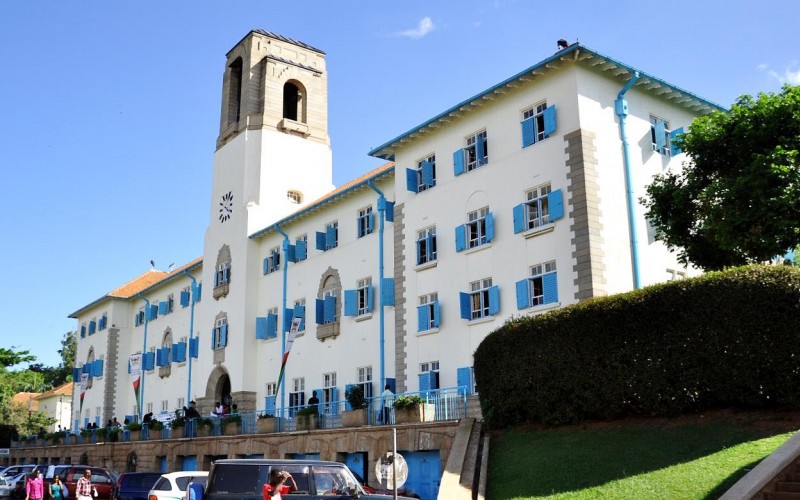
The higher education landscape is rapidly changing, the technological rise of the 21st-century and widespread integration of those technologies into our society, combined with access to the internet has integrally changed graduate research proposal and thesis examination/defence approaches. The rapidly changing landscapes call for a review of the research proposal/thesis examination methods in order to keep up with the times and incorporate integrated technologies into the learning modal, these technologies aren’t going to go away, they’ll continue to be integrated into our society and it’s time to embrace them for the advantages they bring. With the heavy integration of online technologies, the University will be able to improve the teaching and learning processes, information retention, engagement, responsibility and academic integrity.
Virtual and blended approaches have become important because they help to break down the traditional walls of examination, and now with access to present day technologies and resources we can tailor the examination experience to the prevailing conditions.
The Makerere University policy and regulations for the examination of research dissertations and theses provide for three forms of defense, namely, face-to-face; blended; and/or online technology. Traditionally, the Makerere University’s thesis examination policy required that all participants be physically present in the room where the thesis defense is taking place, however, under exceptional circumstances, videoconferencing is permitted provided that the following conditions are met:
- The general University regulations governing graduate research proposal and thesis examination/defence will apply (ref. Mak Graduate Hand book available at www.rgt.mak.ac.ug)
- A suitable space and technology for the videoconference should be designated before the proposal and thesis defense. The technology should ensure system stability and quality of sound and image during the examination.
- Contact the Directorate of Information and Communication Technical Services (DICTs) for audio and videoconference technical support for the duration of the defense.
- Inform the Director, Directorate of Research and Graduate Training in advance of an upcoming online research proposal or thesis examination. In this notification letter, the Principal/Dean/Chair should indicate in writing he/she has read and understands the regulations and rules for online examination/defence.
- Videoconference software must be used that allows all participants to see and hear each other during the entire examination/defense.
- Online participants must connect using hardware and network connections that ensure that all participants are visible and audible and that the connection is stable and available throughout the scheduled time of the defense.
- Examination by ordinary cellular telephone (Audio only) is not permitted under any circumstances.
- Conducting a practice run one week prior to the defense to ensure that participants are comfortable using the technology is highly recommended.
- Maintain a good balance between web-conference security (to avoid disruptions, i.e. ‘web-bombing’) and allowing for an open public participation in the defense.
General Considerations
- It is the responsibility of the Department to facilitate the web/teleconference-based defense;
- To ensure that the candidate knows how to use the software platform, the Chair and candidate should conduct a test meeting prior to the defense.
- Virtual research proposal and thesis defenses should adhere to the normal University requirements and procedures as much as possible;
- The candidate and the examiners are encouraged to use a headset to reduce audio feedback, and to use an ethernet connection to the internet instead of WiFi.
- The PhD Thesis defenses are open to the public audiences, and specific video connection instructions will be distributed to the University community in advance of the defense.
- At the discretion of the Chair of the examination committee, a defense in progress may be stopped and rescheduled, ideally within one week if technical difficulties prevent the student, Chair or examiners from participating.
Before the Examination/defense
- The Chair opens the meeting 15 minutes before the scheduled start of the defense. All participants should join the meeting at least 10 minutes before the defense begins.
- The Chair should ensure that late participant arrivals do not distract the candidate once they start their oral presentation. Alternatively, the Chair can lock the meeting after the oral presentation begins.
- At the start of the defense, the Chair will explain the format of the defense, including the time allowed for the oral presentation and set the ground rules for participation.
- It is advisable that the candidate should send their presentation materials to the Supervisor and Chairperson ahead of time in case technical difficulties prevent projecting them during the teleconference.
- To avoid distracting the candidate during their oral presentation, examiners and audience members’ microphones and camera should be turned off.
During the Examination/defense
- The Chair should reminds the candidate and examination committee of the regulations. The Chair could project the slides on behalf of the candidate.
- Audience members can either ask their question via the tool, in which case the Chair can turn on their video and microphone and invite them to interact directly with the candidate.
After the examination/defense
- At the end of the question period, the Chair will ask the audience to leave the meeting and invite the candidate to either leave the meeting or isolate them from the other participants in the “lobby” depending on the software platform used.
- Each examiner will individual assess and score the candidate’s performance. No vote will be recorded for an examiner who was not able to attend the defense. If an examiner must leave early due to technical difficulties, they can be allowed to vote via email at the Chair’s discretion.
- The Chair will ask the examiners to sign the Examination Report. More details on digital signatures shall be provided by the DRGT.
- The Chair will invite the candidate to return to the meeting and inform them of the outcome of the examination/defense.
- If the candidate passes but revision of the thesis is required, the Chair will provide written comments to the candidate. All examiners must agree on the required changes. Optional changes that the candidate should consider prior to submitting the final report to the DRGT.
- If the candidate fails, the Chair will provide written comments on the oral defense performance.
- At the committee’s discretion, the candidate may be given a second attempt to defend the proposal or thesis.
Guidelines and best practices for the Principal/Dean/Chair
In advance of the examination/defense, the Chair
- Consult with the student to select the video conference program to be used. At the time of the defense, the Chair should be the host/point person for any technology difficulties. Please do not leave this to the student, even if Chair is sure the student is more adept at technology.
- Be knowledgeable of the ICT facility especially on how to allow the student to share slides and control the presentation.
- Consider offering a “test run” with the student to ensure that the technology works and that they are comfortable using it to present their findings and answer questions.
- Ensure that the student maintain audio-video connection throughout the examination.
- Be responsible for ensuring that the requirements for online participation are met and that the online participation was uninterrupted or, if interrupted, that the defense was paused until the situation was fully restored.
At the defense
- All participants should be in the examination room at least 15 minutes before the scheduled start time.
- Don’t multitask during the research proposal or thesis defense. Many examiners often do this in the online environment, but this is not a regular online meeting, it is an examination. The student defending has spent years in anticipation of this examination/defense.
- Chair has the authority to discontinue the online defense at any time if they judge that online participation is interfering with the proper conduct of a rigorous and fair defense.
- If one or more participants is dropped from the connection, or if audio is lost, the defense must be paused until the connection is restored. If the connection cannot be restored, the Chair must suspend the defense until it can be rescheduled.
- Chair will introduce the candidate and the examination committee members; just as you would in a live defense (this is also a final check that all the audio/visuals work).
- Put a brief the agenda/rules in the chat window as a reminder of the examination rules.
- Audio-only participation by either the examination committee members and the student is not permitted.
Guidelines and best practices for the candidate/student defending
In advance of the defense
- The student should arrange to distribute all visual materials in advance of the defense
- Make sure you know how to use the chosen video conferencing site (WebEx, Zoom, Microsoft Teams).
- Share your slides with your Supervisor before the start of the defense. Ensuring someone else has them and could potentially share them if necessary is a good back up plan.
- If you have notes or a presentation, practice how you will setup and deliver that beforehand. You may want to arrange your screen so that you can see your committee
- To ensure high quality and full access to web-conference features, the candidate should participate in the defense using a laptop or desktop computer.
- Plan your physical space for the defense to ensure that there is enough light so that you can be seen without a shadow; avoid glare, shadows, or an overly cluttered backdrop, and Use headphones is encouraged, to reduce any potential background noise.
At the defense
- When delivering the presentation, sit and be sure that your webcam has a good shot of you from the shoulders up. In a live defense, you would probably be standing, but that will not work here since you will not be as clearly visible.
- Even though you are, sitting and you are communicating via videoconference, your gestures and nonverbal communication still matter. Just as in a face-to-face examination, practice to avoid all those verbal fillers that may clog your communication.
Guidelines and best Practices for the examination committee members/Panelists
- Do a test run, and consult DICTs and time to arrange the camera and lighting in advance.
- Use your video to the extent that your internet connection allows, rather than a still image or your name.
- Please mute your microphone unless you are speaking.
- The examination committee members evaluate the candidate’s presentation, the quality of the research proposal or thesis as well as the candidate’s response questions.
Guidelines and best practices for the public audience:
- After the defence, examination committee members have completed their rounds of questioning, and if time permits, the audience will have an opportunity to submit questions in writing using the chat feature.
- Please keep the microphone muted at all times.
Troubleshooting
- Ensure there is a back-up phone number for all required participants in case there is a problem with the technology. While University policy does not allow for participation via phone, being able to reach participants by phone can help troubleshoot a solution.
- If all else fails, notify the Director DICTS of the issue by other means (e.g., email, text).
Please follow these directions for planning and conducting an online/virtual proposal or thesis examination. These directions provide procedures and technical guidelines for running a virtual oral research proposal or thesis examination using videoconferencing technology. These directions do not replace the University regulations governing research proposal or thesis examination. Then Chair is responsible for understanding and conducting examination in accordance with the University regulations.
The following recommended directions explain how to set up a video-conference examination, and ensure that the defense runs smoothly and securely.
Process for planning and conducting a videoconference for Graduate Research proposal and Thesis examination/defence

Contact point in case you need further clarification of these regulations and procedures:


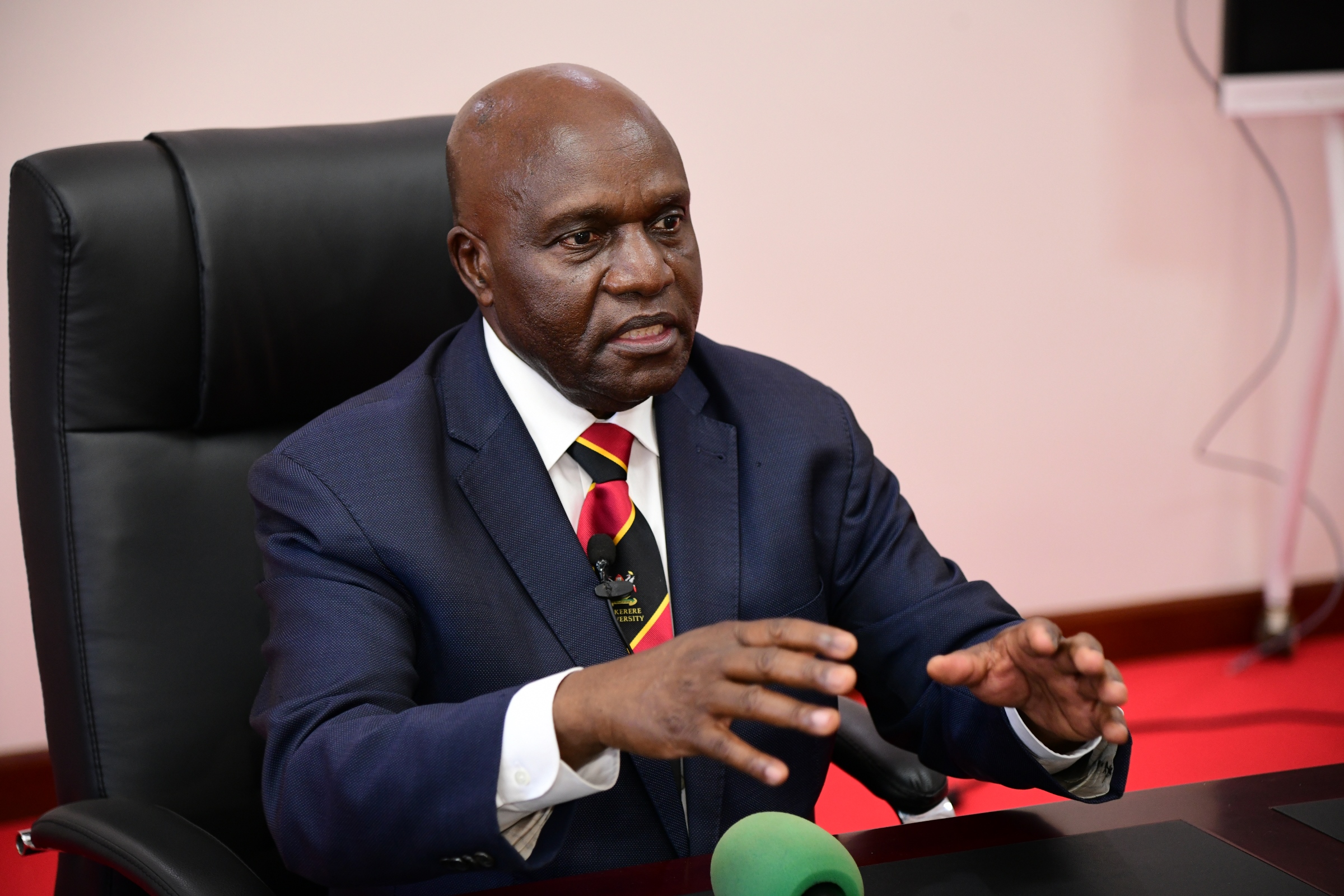
President Yoweri Kaguta Museveni has appointed Makerere University Chancellor Dr. Crispus Walter Kiyonga as Uganda’s Second Deputy Prime Minister and Deputy Leader of Government Business in Parliament.
The appointment was announced on May 26, 2026, as part of the cabinet reshuffle for the 2026–2031 government term. Dr. Kiyonga now assumes one of the senior leadership positions in government while continuing to serve as Chancellor of Makerere University.
Dr. Kiyonga is both Chancellor and alumnus of Makerere University. He studied at Makerere University School of Medicine from 1973 to 1978, graduating with a Bachelor of Medicine and Bachelor of Surgery (MBChB). He later obtained a Master of Health Science in Population Dynamics from the Johns Hopkins School of Public Health in 2004.
Born on September 19, 1952, in Kasese District, Dr. Kiyonga attended Bwera Primary School, Nyakasura School, and Kings College Budo before joining Makerere University.
He was appointed Chancellor of Makerere University in August 2024 and formally installed in October 2024, succeeding Professor Ezra Suruma.
Political and Public Service Career
Dr. Kiyonga entered national politics during Uganda’s 1980 elections, where he won a parliamentary seat on the Uganda Patriotic Movement (UPM) ticket. He later joined the National Resistance Movement during the liberation struggle and subsequently served in several senior government positions after 1986.
He represented Bukonjo County West in Parliament from 1980 to 2016 and was also a member of the Constituent Assembly that drafted the 1995 Constitution.
Over the years, Dr. Kiyonga has held several ministerial portfolios, including:
- Minister for Cooperatives and Marketing
- Minister of Finance
- Minister of Internal Affairs
- Minister of Health
- Minister without Portfolio
- Minister of Defence
During his tenure as Minister of Health, he played a key role in Uganda’s response to the Ebola outbreak in Gulu in 2000.
From 2016, he served as Uganda’s Ambassador to China, where he represented Uganda during a significant period of Uganda-China relations.
Dr. Kiyonga’s appointment marks a return to frontline government leadership after several years in diplomatic service and university leadership.
Significance for Makerere
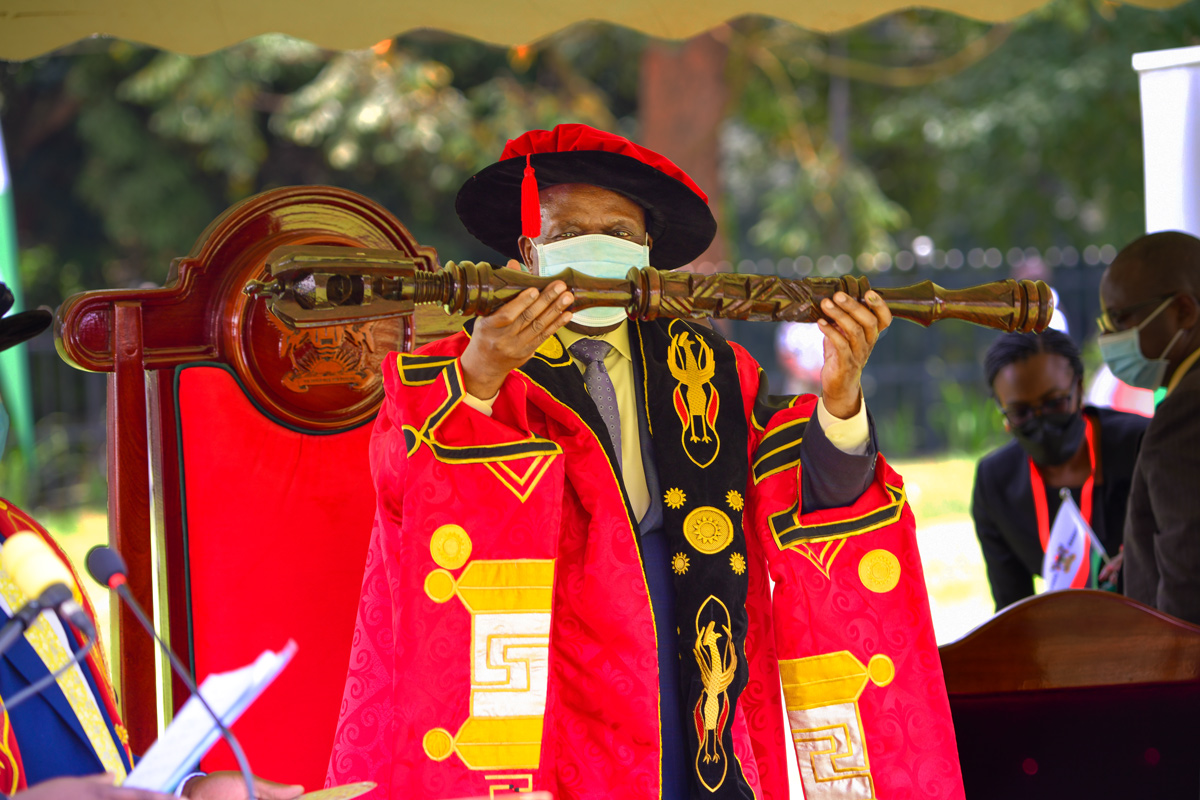
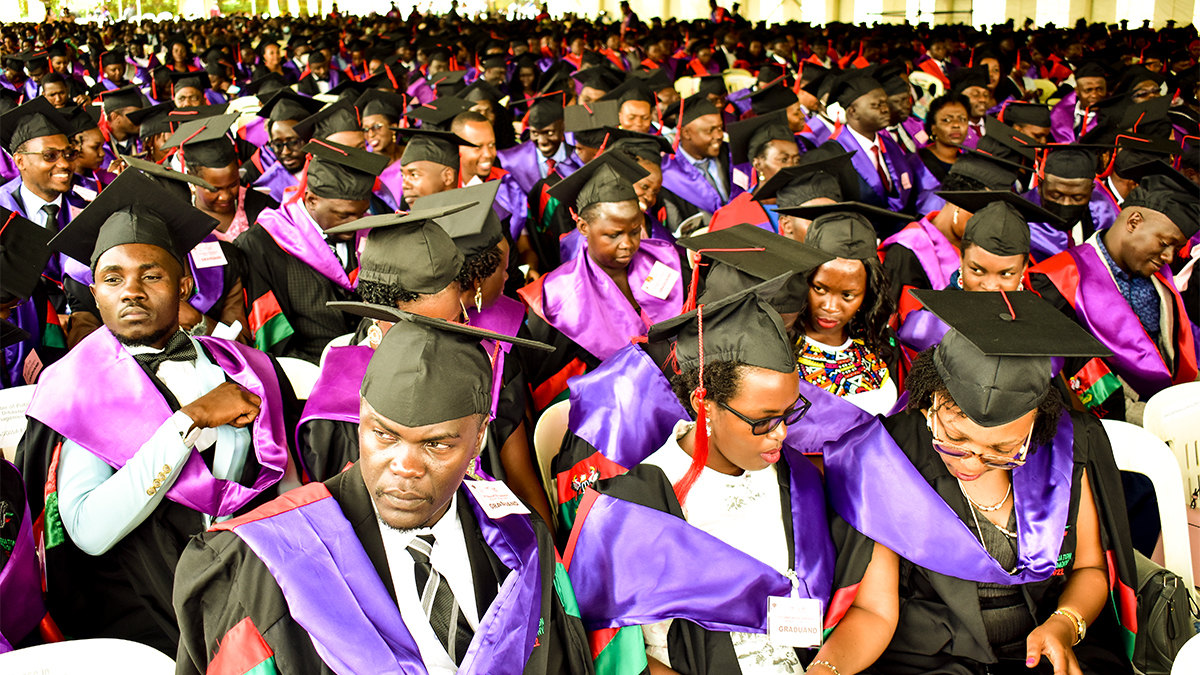
As Chancellor, Dr. Kiyonga serves as the titular head of Makerere University and presides over major ceremonial functions, including graduation ceremonies.
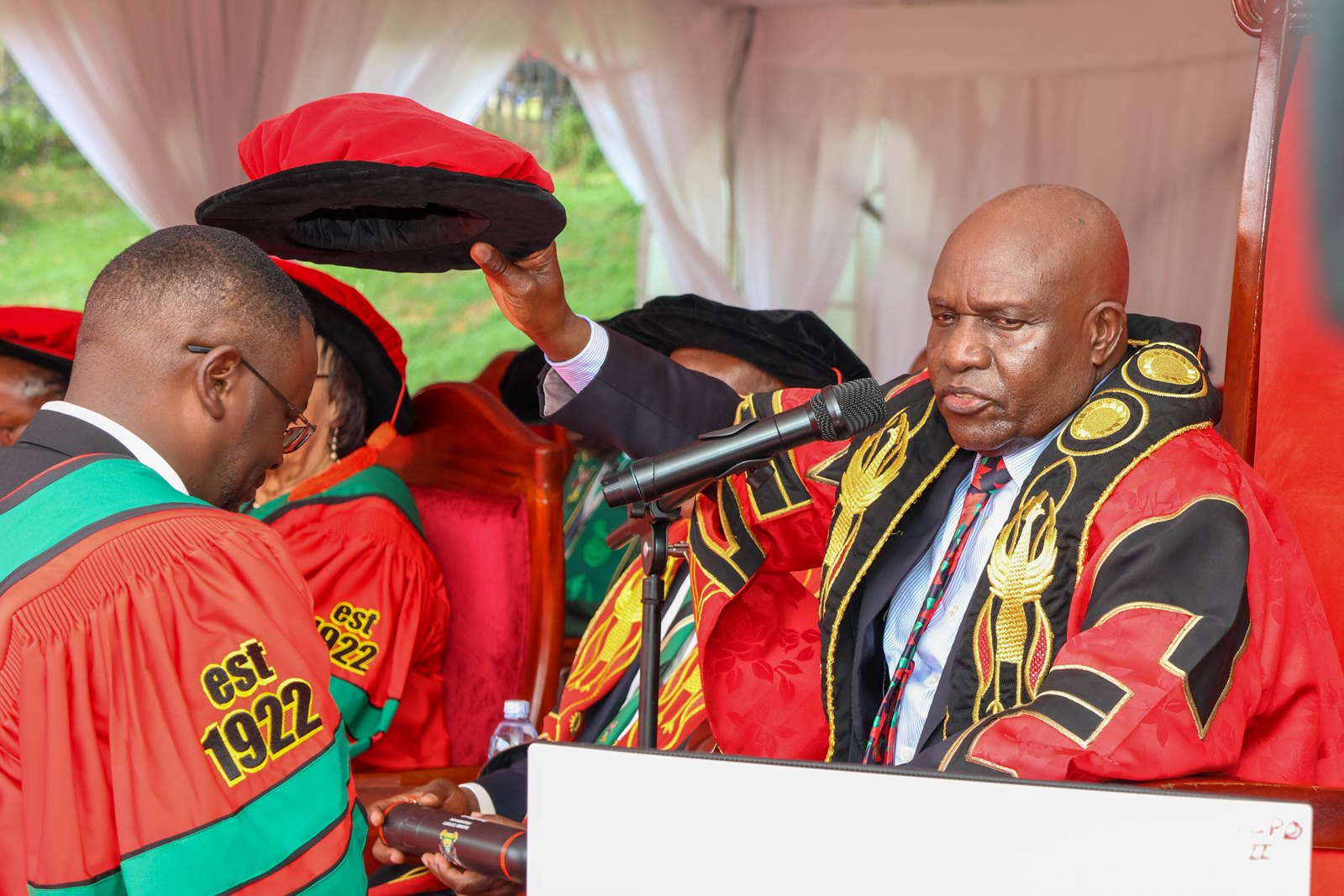
His appointment reflects the longstanding contribution of Makerere University alumni to public service and national leadership in Uganda and across the region.
Speaking during his installation as Chancellor in 2024, the First Lady and Minister of Education and Sports, Hon. Janet K. Museveni, noted that Dr. Kiyonga’s experience and networks would support the advancement of the university.
Makerere University congratulates Chancellor Dr. Crispus Walter Kiyonga upon his appointment and wishes him success in his new role.
The Writer is a Volunteer in the Public Relations Office, Makerere University and the Mak Sharks PRO | Est. 2014
-

 General5 days ago
Applications for Admission to Undergraduate Programmes 2026/27
-

 General1 week ago
Admission List to Bachelor of Education External (BED) 2026/27 -Government Sponsorship
-

 General1 week ago
Makerere University Kicks Off Semester Two Examinations Amid High Student Expectations
-

 Agriculture & Environment1 week ago
Makerere University, Uganda Red Cross Society Sign MoU to Advance Research, Training & Humanitarian Action
-

 General2 weeks ago
How to deal with Examination Fever