
General
Dean of Students Communication on Email Addresses for e-Voting






General
Makerere Marks 2026 International Day of Persons with Disability – Lord Mayor Balimwezo Delivers Keynote

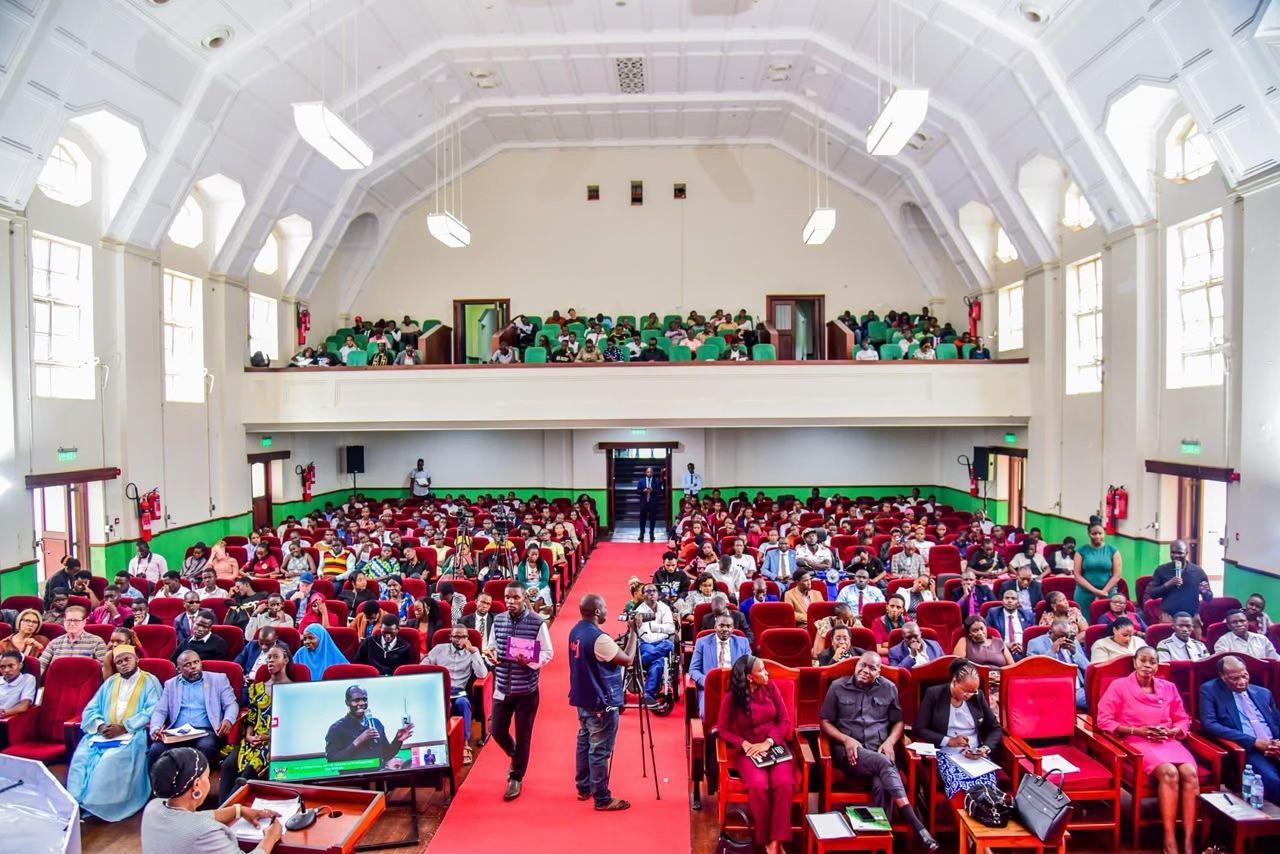
Makerere University celebrated the 2026 International Day of Persons with Disability, with a message mobilising stakeholders to transition from policy formulation to implementation under the theme, “From Legislation to Action: Strengthening Disability Inclusion through Effective Policy Implementation in Higher Education.”
Held on November 05 2026 at Makerere University – Main Hall, the event evaluated current legal frameworks on inclusivity, identified persistent enforcement gaps, and accelerated concrete measures that can safeguard the rights and accessibility of persons with disability across Uganda.
Dr. Winifred Kabumbuli the Dean of Students at Makerere University explained the reason for the event is to create increased awareness about the rights and needs of both students and staff with disabilities on campus.
She expressed that Makerere is intentional and decisive to the implementation of inclusive policies and practices.
“We have established a disability support center. This is a one-stop center for resources and services for both students and staff with disabilities, equipped with state-of-the-art assistive devices, to assist our students and staff with disability to integrate ably into the academic and social environment.”
She also noted that the University has provided caretakers, helpers, and sign language interpreters to students with disability. These are paid a salary, accommodated, and fed, and as well access university health services.
This shows effort that Makerere University is building for all abilities.
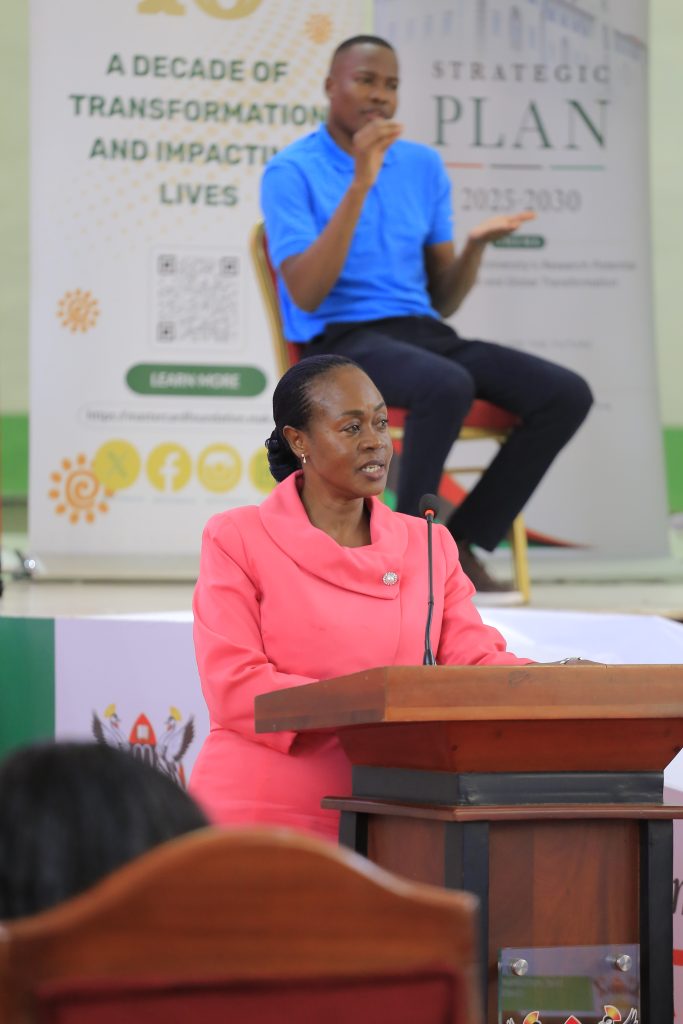
Lord Mayor Balimwezo’s Keynote Address
Delivering the keynote, His Worship Eng. Hon. Ronald Nsubuga Balimwezo, the Lord Mayor for Kampala Capital City Authority started with a personal encounter of an accident that left him disabled. He appealed to fellow persons with disability, particularly the young people gathered at the event, to never consider themselves a burden to society. He added, “you are not a charity case. You are not less valuable because of your physical appearance. You are leaders, engineers, teachers, doctors, lawyers, entrepreneurs, artists, and public servants in the making.”
He encouraged them never to allow circumstances of birth or challenges encountered during life to determine the boundaries of their dreams. Confessing from his own situation he has had the privilege of standing on different platforms in Uganda and beyond, and his message has consistently been that persons with disability are equal, and capable of contributing to society.
To the University, Lord Mayor advised that every new building should be designed with universal accessibility in mind from the initial architectural drawings. He insisted that accessibility should never be an afterthought, requiring expensive modification.
Eng. Hon. Balimwezo encouraged management to continue strengthening partnership with development organisations and institutions committed to inclusive education. He commended partners like UNESCO, MasterCard Foundation and other partners and sincerely appreciated their contribution towards advancing inclusive education and expanding opportunities for young people with disabilities.
The Lord Mayor concluded by applauding all those that have benefited a person with a disability for he believes legacy is not how much money you have but rather how many lives you have changed. He made a call to action to each and everyone to make sure that we leave a legacy.
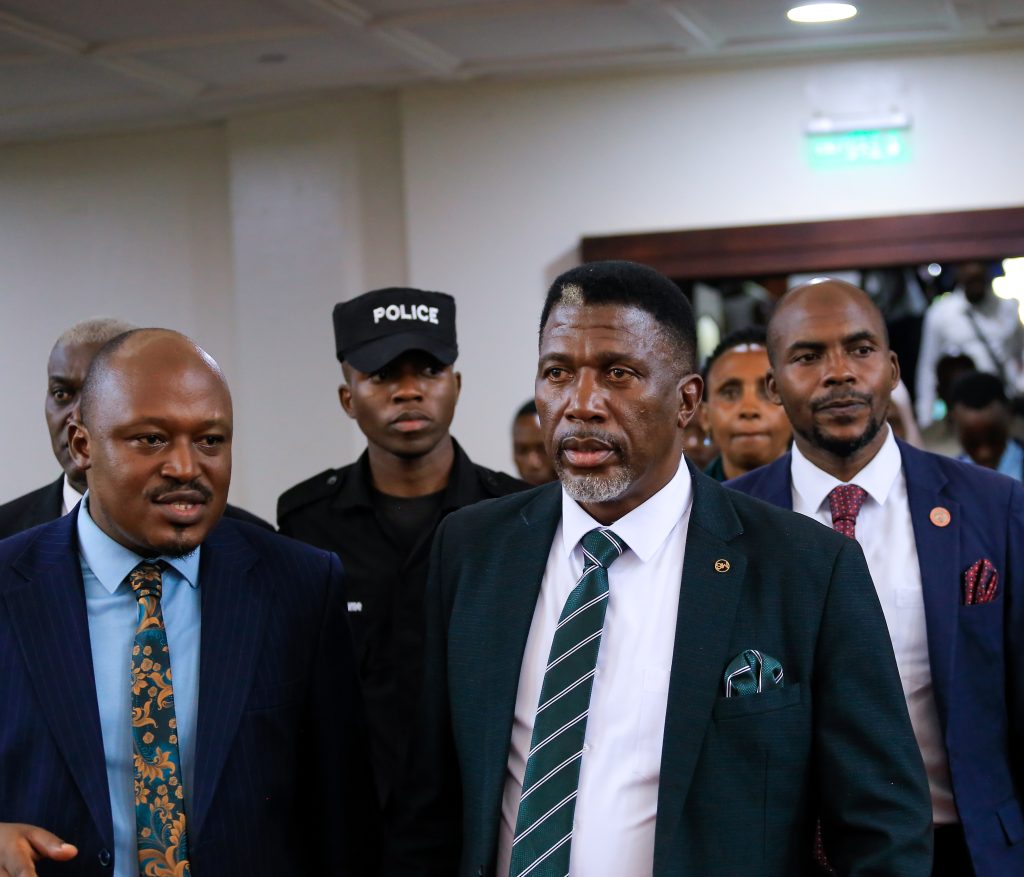
Chairperson of Makerere University Council represented by Rt. Hon. Daniel Fred Kidega, observed that the commemoration of this day by all persons present resonates well with Makerere’s enduring motto, ‘We build for the future.’
Building for the future means creating an inclusive university where everyone, regardless of disability, has equal opportunity to access education, participate and realise their full potential. He said we cannot genuinely claim to build for the future if members of our university community continue to encounter barriers to their full participation and learning ability.
He shared that as a globally recognised institution, Makerere will remain aligned with international commitments, particularly the UN Sustainable Development Goals, especially SDG 4 which emphasises quality of education, SDG 10 which emphasises reduction in inequalities and SDG 16 inclusive and accountability institutions.
Hon. Kidega, appreciated university management for its continued support and the commitment to advancing disability inclusion at this great University.
Checking National Progress with Inclusion
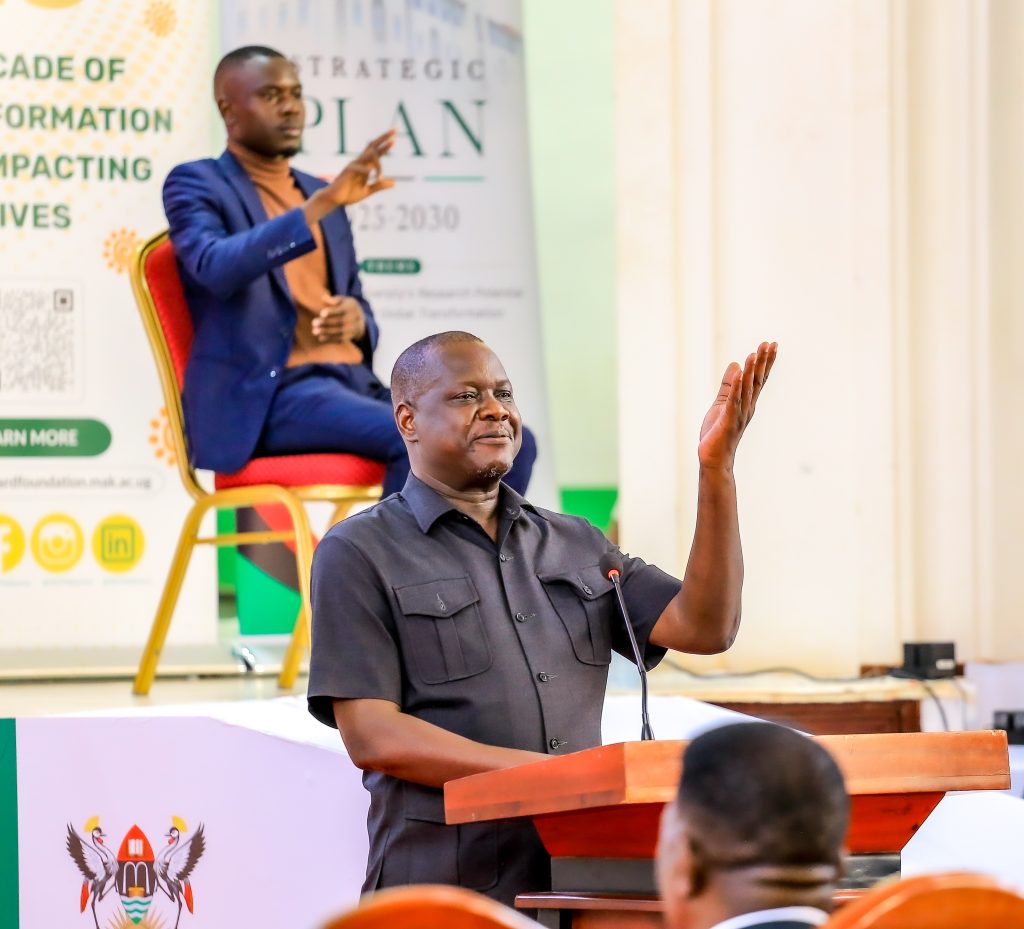
Prof. Zahara Nampewo, Deputy Dean School of Law moderated discussions on the theme. She highlighted Uganda’s efforts in legislating for persons with Disability, she said in 2008, we took a step by ratifying the UN Convention on Persons with Disabilities. That was 18 years ago. And Uganda had also earlier, two years before in 2006, enacted a law, a statute on persons with disabilities. That says a lot about us as a country, that we are committed to inclusion.
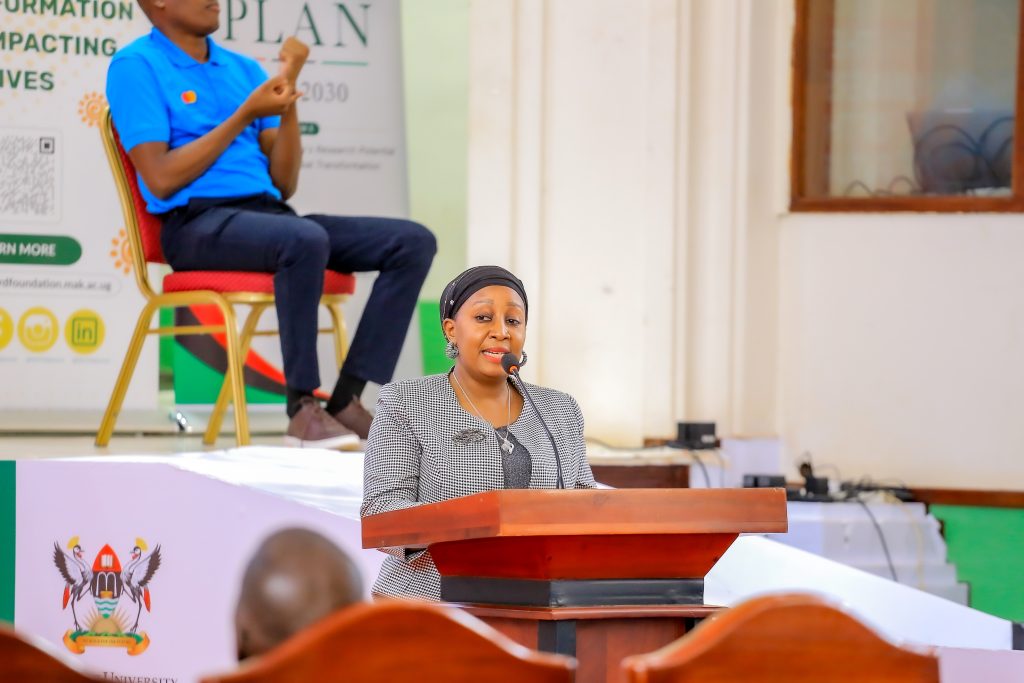
Hon. Laura Kanushu, a legislator, representing persons with disabilities in the parliament of Uganda commented that as a country, if we were to rate where we are in terms of inclusion of persons with disability, we might be at 15%, and that’s because we have not fully implemented those laws and policies.
She held tight on this opinion saying Uganda is one of those countries that is very quick to ratify international treaties and later domesticate them. Hon. Kanushu clarified that domestication requires, domesticating in the laws, domestication in terms of policies and also representation at all levels. “However, as a country, we do ratify very fast, but we never plan for implementation.”
Choose and Spread Inclusion not Sympathy
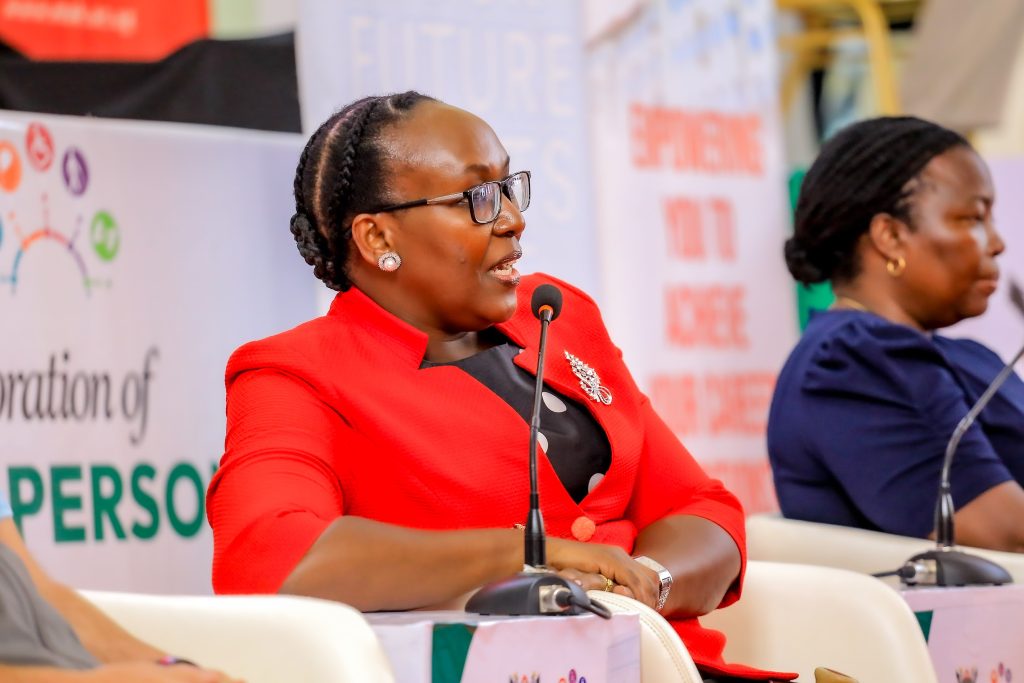
Mr. Daniel Elaju, a master’s student, shared his perspective on what true inclusion requires, emphasising that the foundation of progress lies in shared experience. He stated that, “lessons come from living with a disability, but not just living with people with disability. Because once you live with a disability, even when you are not disabled, you can be able to understand what state of life we people with disability are in.”
Daniel challenged the audience to look beyond the basics of entry because access alone is not enough they are also looking at participation. He said, “you have given me access, am I able to participate?” He questioned the adequacy of current support, asking, “Even when you have given me access to participate, is there reasonable accommodation for me to do whatever I have been given as a role.
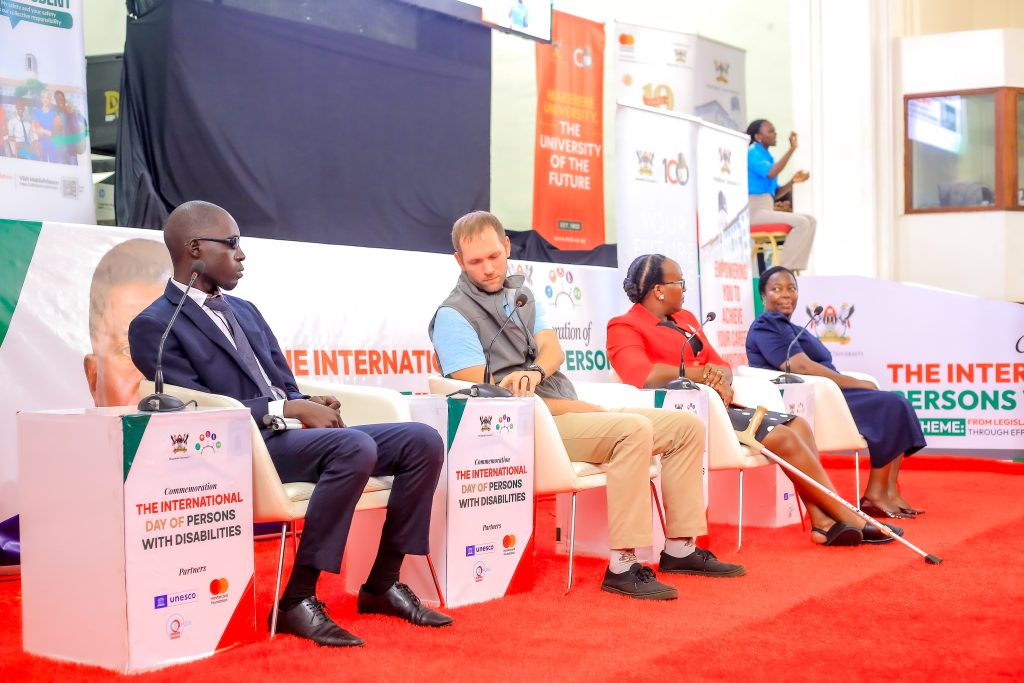
In agreement, Ryan Hopper, Head of Physiotherapy at Hope Speaks, said when it comes to disability inclusion, especially in higher education, it is more than just putting a ramp here and making a change there. It’s more than that. It’s a change in mindset that starts with everyone.”
“So instead of being reactive to these students that are coming in and they have a disability that is calling for extra support, let us become proactive.” For someone with a disability is still deserving of love and still a human being that needs to be cared for.
Hon. Shakirah Akello, the Minister of Students with Disabilities in the Student Guild alluded to a story of the late Mr. Kapere to challenge the audience’s perception of disability and inclusion. She said, “recently, we lost a prominent comedian, Mr. Kapere.”
Kapere (real name Yokana Mbuuse) was a prominent Ugandan Comedian and Actor, born with distinctive facial features and a hearing impairment.
Hon. Akello highlighted his ability to live a full, integrated life, stating, “this gentleman got married,” and adding that he was “able to be so friendly, social, and interacted with lots of people.”
She concluded the story by emphasising his legacy: “Late Kapere was a man that was known, married with three children, and yet he had disability.” This served as a prompt for the audience to consider the broader question, “do you think without us including and supporting persons with disabilities, there can be development?” The question remains.
Makerere’s Commitment to Creating a Safer Environment for Persons with Disability
The Acting Vice Chancellor, Prof. Sarah Ssali revealed this day provides an opportunity not only to celebrate the achievements and contributions of persons with disability, but also to reflect on institutional responsibilities.
She shared a commitment on behalf of University management to support the shift from sympathy to structured transformation, and from charity to active agents in the life of persons with Disability. Dissecting the theme, Prof. Ssali encouraged us all to move beyond the mere existence of policies and legislation and demonstrate action that transforms the experiences of persons with disabilities at Makerere University, and beyond, as we have heard from the panel discussions.
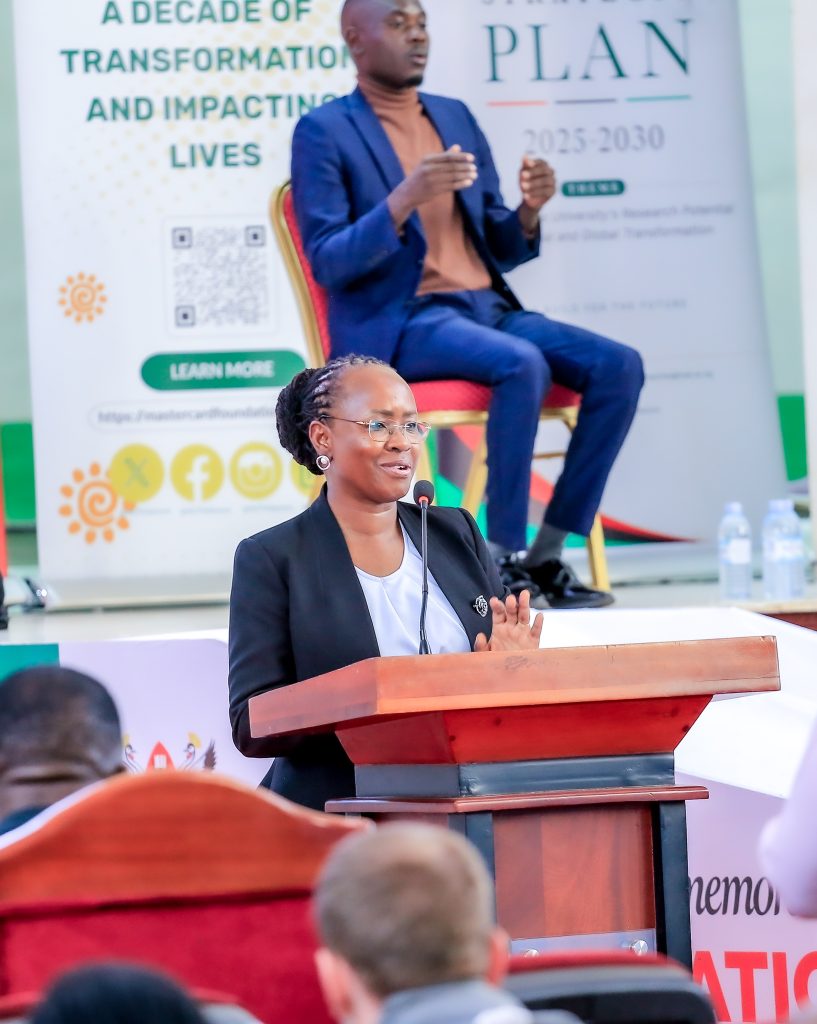
Prof. Ssali concretised the Vice Chancellor’s message by highlighting that the call to make institutions and systems to work is not a call for persons with disabilities. It is a call for all of us. “As a University we reflect inclusion in the way, we teach, in the way we learn, conduct research, provide services, allocate resources, and govern the university.”
“Makerere University , remains dedicated to building an institution where excellence and inclusion reinforce each other on campus and also ensuring whatever – positive has happened in Makerere University happens in the world outside for inclusive settings,” Vice Chancellor pledged.
The commemoration ended with awards to stakeholders who have sacrificed to make a contribution to the welcome stay for persons with Disability at Makerere University and beyond.
General
Institutionalizing ORCID at Makerere University: Strengthening Researcher Identification, Visibility and Research Output Tracking
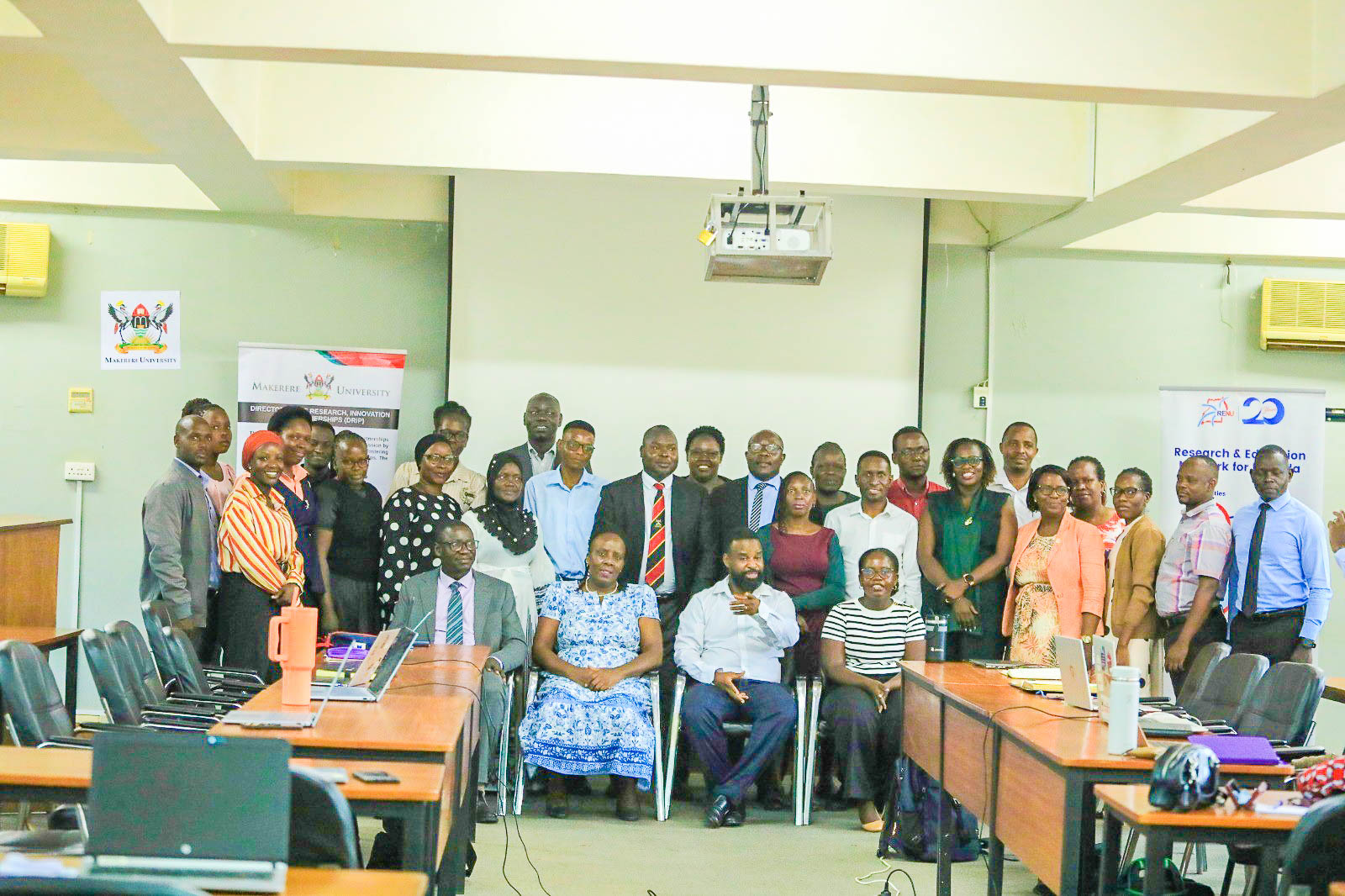
The Unit-Based ORCID Sensitization and System Capture of Researcher Identification Workshop was held on Tuesday, 3 November 2026, commencing at 9:00 a.m. at the Telepresence Centre, Senate Building, Makerere University. The workshop was facilitated by the Research and Education Network for Uganda (RENU).
The workshop was opened by Prof. Robert Wamala – Director of the Directorate of Research, Innovations and Partnerships (DRIP). In his remarks, Prof. Wamala emphasised the importance of ORCID in strengthening researcher identification, improving the visibility and discoverability of Makerere University‘s research outputs, and ensuring accurate attribution of scholarly contributions.
Prof. Wamala highlighted the need to move beyond individual ORCID registration towards systematic institutional adoption, including the accurate capture and validation of researchers’ ORCID identifiers in relevant University information systems. He underscored the importance of coordinated implementation at unit level, recognising the critical roles of College Librarians, Library staff and the Directorate of Graduate Training in supporting ORCID adoption among academic staff, researchers and graduate students.
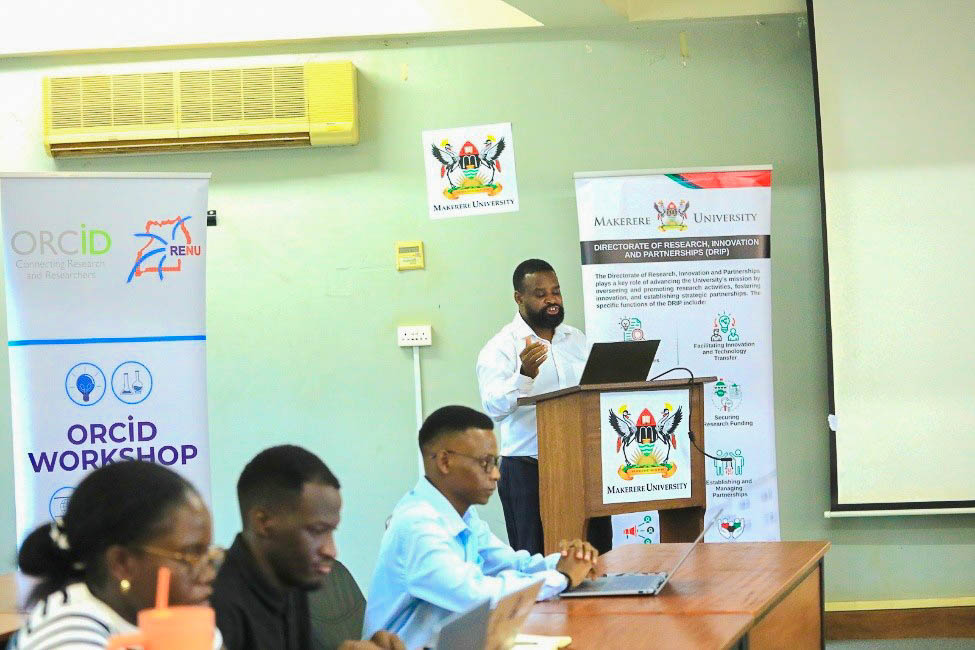
Prof. Wamala appreciated RENU for facilitating the engagement and encouraged participants to translate the knowledge gained into practical action within their respective units. The workshop marked an important step in Makerere University‘s efforts to strengthen researcher identification, improve research visibility and enhance the institutional management and tracking of scholarly outputs.
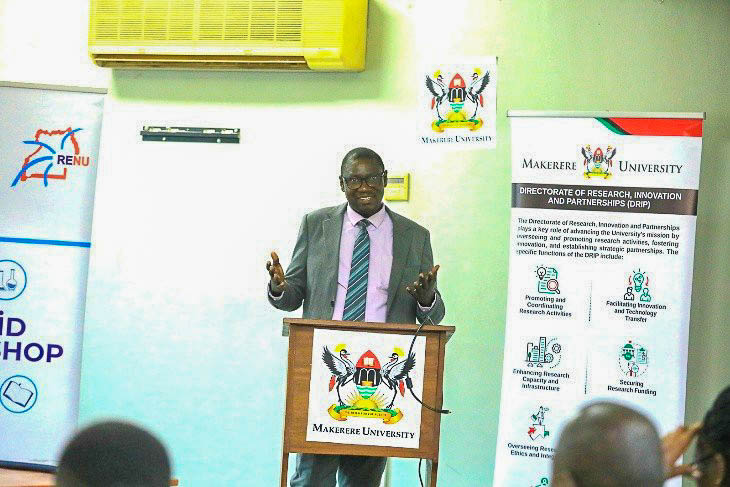
The opening session also featured remarks from the University Librarian Prof. Ruth Nalumaga and Dr. Cyprian Misinde, the Director of Quality Assurance, who underscored the importance of ORCID in strengthening research visibility, scholarly communication and institutional research information management. Their contributions highlighted the need for collaboration across the Library, Quality Assurance, Graduate Training and DRIP to support effective ORCID adoption and integration into University processes.
The workshop provided an opportunity to sensitise participants on ORCID and strengthen their capacity to support its adoption and system capture within their respective units. The participation of College Librarians, Library staff and the Directorate of Graduate Training was particularly strategic in supporting researchers and graduate students to establish and maintain their ORCID profiles.
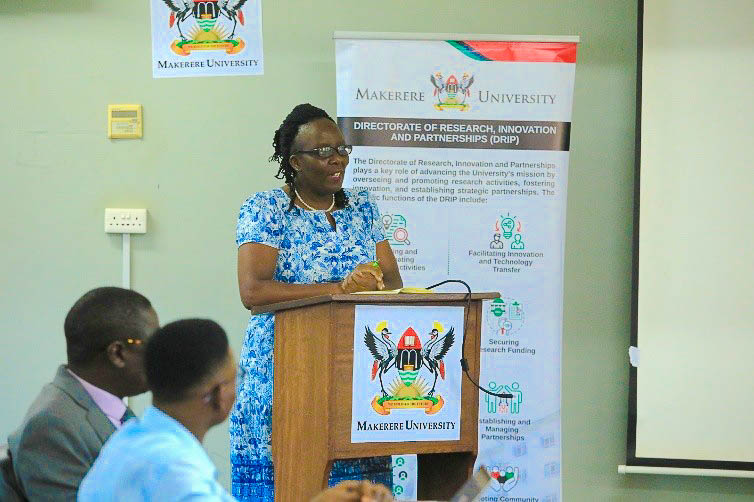
The workshop was attended by College Librarians and Library Staff; Representatives from the Directorate of Graduate Training; Directorate of Quality Assurance and the Directorate of Research, Innovations and Partnerships. Their participation was intended to strengthen awareness, institutional coordination and practical support for ORCID adoption across the University.
The engagement, marked a collaborative step towards institutionalizing ORCID at Makerere University and strengthening the University’s capacity to identify, track and showcase its research contributions globally.
-
 General1 week ago
ADVERT: Mature Age Entry Scheme Examinations – 2027/2028
-
 Agriculture & Environment2 weeks ago
What two weeks with Farmers in Mwera, Mityana, taught Makerere’s PhD Students about Agricultural Innovation
-
 General2 weeks ago
MURBS Presents FY 2025/26 Performance with 15% Growth
-
 General1 week ago
CoNAS Staff & Students Sensitized on Gender Equality, Sexual Harassment Policies
-
 General1 week ago
Gender Sensitization Session to Strengthen Gender-Responsive Practices conducted at CoVAB